
Trigger Management and Event Tracking
Learn how to configure, manage, and track event-driven triggers for your AI agents.
Overview
Event-driven triggers allow your agents to automatically react to events from external platforms like GitHub, Slack, Gmail, and more. When an event occurs, a webhook is sent to your agent, prompting it to execute specific tasks or workflows.
- Tool approval policies DO NOT apply on event-driven triggers, tools always auto-approve tools as these run autonomously without user interaction
- Disabled tools are completely unavailable to the agent in that deployment
- Default rules apply to any tools without explicit custom rules
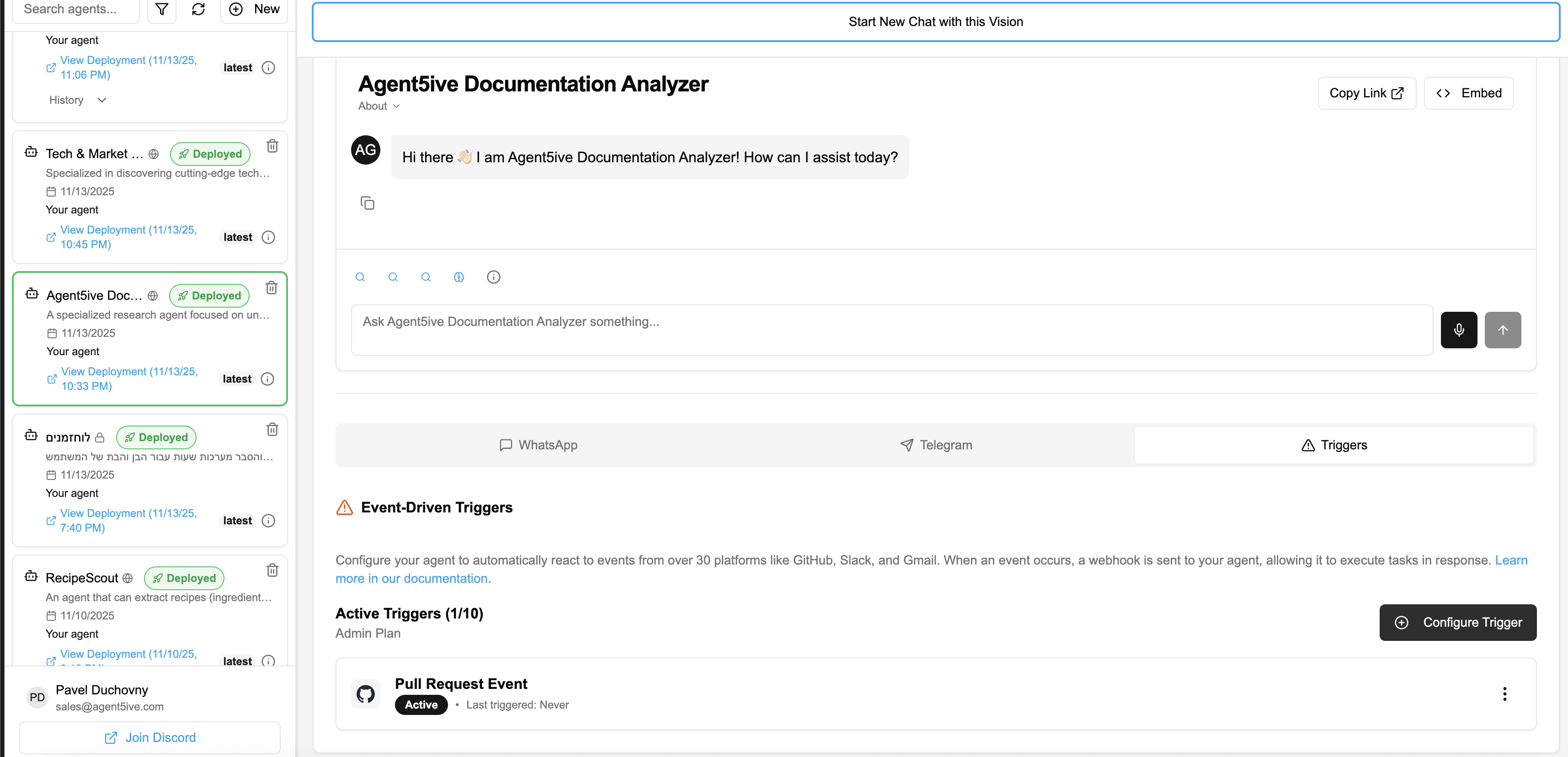
Automatic Syncing of Composio Trigger Types
Agent5ive has enhanced its integration with Composio to ensure you always have access to the latest available triggers.
The platform now automatically fetches trigger types directly from the Composio API. This means as soon as new triggers are supported by Composio, they become available in Agent5ive without requiring a platform update.
Fetched triggers are intelligently grouped and stored in the composioTriggers MongoDB collection. This caching mechanism ensures fast load times while keeping the trigger definitions up-to-date.
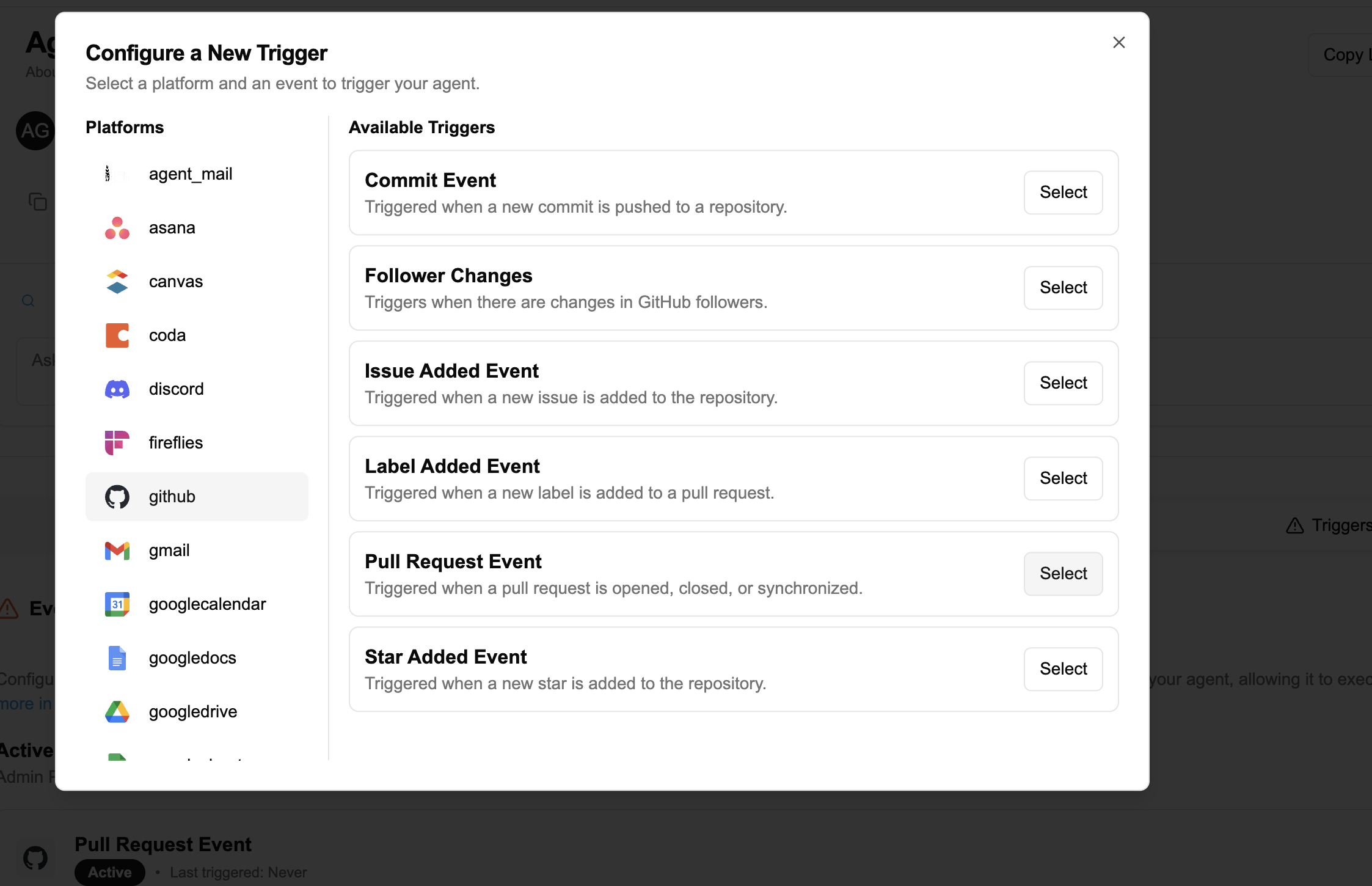
Enhanced Trigger Subscription Data
To provide better visibility into your agent's activity, trigger subscriptions now include enhanced metadata for tracking events.
last_triggered_at timestamp field. This field is automatically updated whenever the trigger fires, allowing for accurate status management and precise event tracking.Output DestinationPaid Plans
Paid users can configure where trigger outputs are delivered. This gives you flexibility in how you receive and store the results of automated agent executions.
Output Options
Trigger output is written to logs and stored in the database. Ideal for record-keeping and later analysis without email notifications.
- Results stored in execution logs
- Accessible via dashboard
- No email notifications
Trigger output is sent directly to your configured email address. Perfect for real-time notifications without database storage.
- Instant email delivery
- No database storage
- Great for alerts
Trigger output is sent directly to a linked Telegram chat. Ideal for real-time mobile notifications on the go.
- Instant Telegram delivery
- Requires Telegram bot setup
- Verification code required
Output is saved to the database for logging AND sent to your email for immediate notification.
- Complete audit trail
- Real-time email notifications
- Maximum visibility
Output is saved to the database AND sent to your linked Telegram chat for immediate mobile notifications.
- Complete audit trail
- Real-time Telegram notifications
- Requires verification code
Linking Telegram for Trigger Output
When you select "Send to Telegram" or "Both (Database + Telegram)" as the output destination, a verification panel appears:
- Click "Generate Verification Code" to generate a unique code
- Open the Telegram bot connected to your agent
- Send the verification code as a message to the bot
- Once verified, click "Create Trigger" to finalize the setup
This verification ensures the trigger output is sent to the correct Telegram chat. You only need to do this once per trigger configuration.
How to Configure Output Destination
- Navigate to your trigger configuration
- Locate the Output Destination setting
- Select your preferred option:
Database Only,Email Only, orBoth - If using email output, ensure your notification email is configured in your account settings
- Save your trigger configuration
User Interface Updates
The Agent5ive interface has been updated to reflect these backend improvements and provide a smoother user experience.
Trigger Cards
The trigger cards on your dashboard now display more detailed status information.
- Improved Timestamp: The "Last triggered" indicator now displays both the date and time of the most recent event, giving you a clear view of your agent's activity history.
- Status Indicators: Visual indicators show whether a trigger is active, paused, or has never been fired.
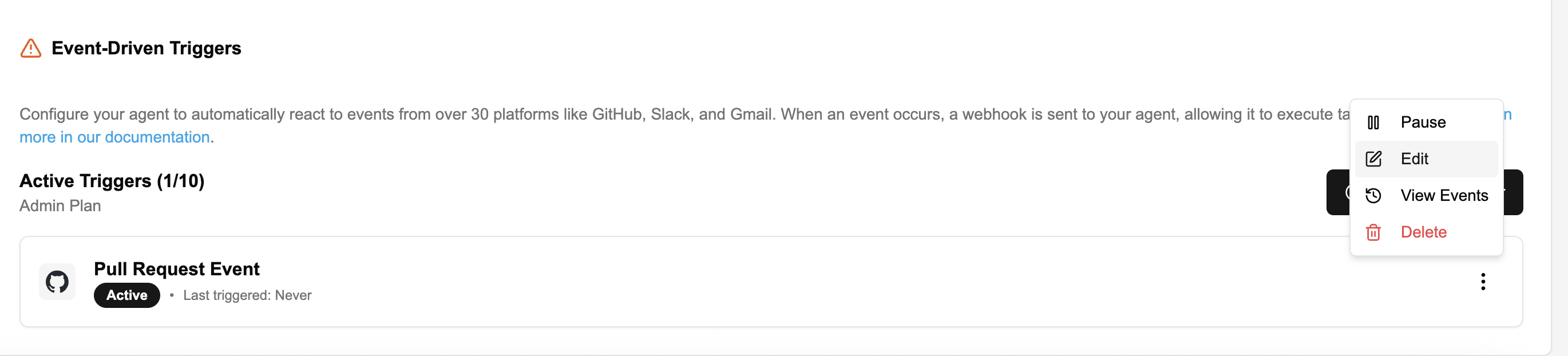
Event Modals & Logs
When viewing the history of events for a specific trigger, you'll notice several improvements designed to make debugging and monitoring easier.
Closing the event modal now automatically refreshes the main triggers list. This ensures that the "Last triggered" timestamps and status indicators on your dashboard are always up-to-date immediately after you've reviewed recent events.
In the TriggerEventsModal, the event log display has been optimized. The system now prioritizes showing the execution_log over raw data. This provides more relevant, human-readable information about what happened during the event execution, rather than just showing the raw JSON payload.